AI Tools for YouTube Creators
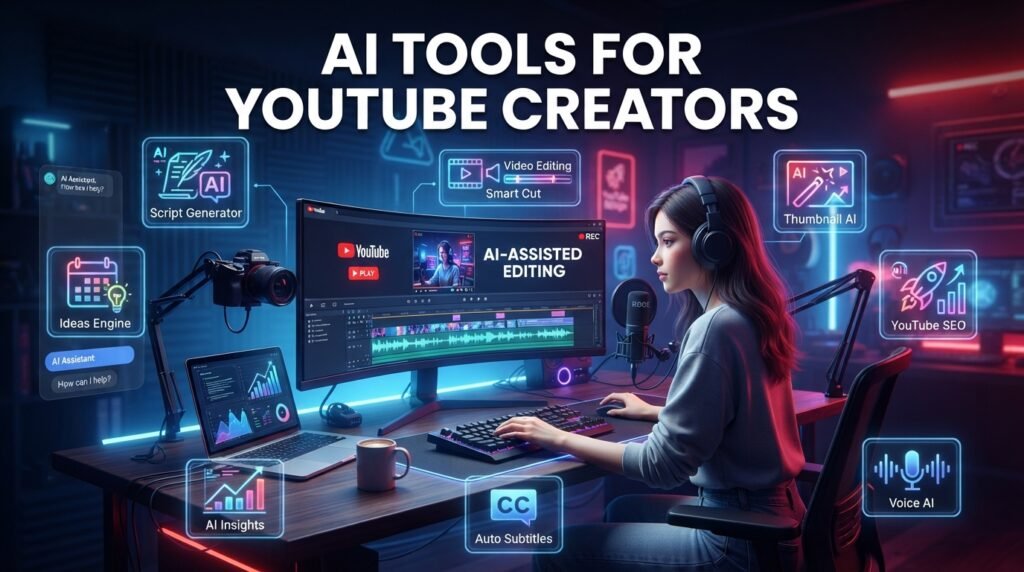
Artificial Intelligence (AI) is transforming the way YouTube creators produce content. From writing scripts and editing videos to designing thumbnails and optimizing SEO, AI tools can save time, improve quality, and help creators grow their channels more efficiently.
Whether you’re just starting a YouTube channel or already creating videos regularly, using the right AI tools can simplify your workflow and boost productivity.
In this guide, we’ll explore some of the best AI tools for YouTube creators and explain how each one can help.
Why Should You Use AI for YouTube?
Creating YouTube videos involves many tasks, including:
- Researching ideas
- Writing scripts
- Recording videos
- Editing footage
- Designing thumbnails
- Creating subtitles
- Optimizing SEO
- Managing social media
AI tools automate many of these tasks, allowing creators to focus more on producing valuable content.
Benefits include:
- Save time
- Improve content quality
- Increase productivity
- Generate creative ideas
- Speed up editing
- Optimize videos for search
1. ChatGPT – Script Writing and Content Ideas
ChatGPT helps creators:
- Generate video ideas
- Write YouTube scripts
- Create titles
- Write descriptions
- Generate video outlines
- Answer audience questions
Instead of spending hours brainstorming, creators can quickly develop well-structured content plans.
Best for:
- Beginners
- Educational channels
- Tech channels
- Business creators
2. Canva AI – Thumbnail Design
A professional thumbnail increases your video’s click-through rate.
Canva AI helps you:
- Create eye-catching thumbnails
- Remove backgrounds
- Generate AI images
- Edit graphics
- Design channel banners
Even beginners can create professional-looking designs without graphic design experience.
3. CapCut AI – Video Editing
CapCut includes several AI-powered editing features.
Popular features include:
- Auto captions
- Background removal
- AI video enhancement
- Automatic editing
- Text-to-speech
- Video effects
It is suitable for both YouTube videos and Shorts.
4. Descript – Audio and Video Editing
Descript allows creators to edit videos by editing text.
Features include:
- AI voice cloning
- Screen recording
- Automatic transcription
- Noise reduction
- Podcast editing
This tool is especially useful for tutorials and educational content.
5. TubeBuddy – YouTube SEO
TubeBuddy helps optimize videos for YouTube Search.
Features include:
- Keyword research
- SEO score
- Tag suggestions
- A/B testing
- Thumbnail testing
- Productivity tools
It helps creators improve discoverability and reach.
6. vidIQ – Channel Growth
vidIQ provides valuable insights for growing a YouTube channel.
It offers:
- Keyword suggestions
- Trending topics
- Competitor analysis
- Daily content ideas
- Performance tracking
These insights help creators make informed content decisions.
7. ElevenLabs – AI Voiceovers
If you don’t want to record your own voice, ElevenLabs can generate natural-sounding AI voiceovers.
Popular uses:
- Educational videos
- Storytelling
- Tutorials
- Product reviews
- Explainer videos
The voices sound realistic and support multiple languages.
8. Adobe Podcast AI – Audio Enhancement
Poor audio quality can reduce viewer engagement.
Adobe Podcast AI improves recordings by:
- Removing background noise
- Enhancing speech clarity
- Reducing echo
- Improving microphone quality
Clear audio creates a more professional viewing experience.
9. Grammarly – Writing Assistant
Grammarly helps improve written content.
Use it for:
- Video scripts
- Titles
- Descriptions
- Blog posts
- Emails
It checks grammar, spelling, punctuation, and readability.
10. Notion AI – Content Planning
Successful YouTube creators stay organized.
Notion AI helps with:
- Content calendars
- Script organization
- Video planning
- Task management
- Research notes
Planning ahead makes publishing more consistent.
How to Choose the Right AI Tool
Not every creator needs every tool.
Choose based on your goals.
| Purpose | Recommended Tool |
|---|---|
| Script Writing | ChatGPT |
| Thumbnail Design | Canva AI |
| Video Editing | CapCut AI |
| Audio Editing | Adobe Podcast AI |
| Voiceovers | ElevenLabs |
| YouTube SEO | TubeBuddy |
| Channel Growth | vidIQ |
| Content Planning | Notion AI |
Using a combination of tools can streamline your workflow.
Tips for Using AI Responsibly
AI should assist your creativity, not replace it.
Best practices:
- Add your own ideas and experience.
- Verify facts before publishing.
- Edit AI-generated content for clarity.
- Use original visuals whenever possible.
- Focus on creating value for your audience.
Original and authentic content builds trust over time.
Common Mistakes to Avoid
Avoid these mistakes when using AI:
- Publishing content without editing
- Copying AI-generated text exactly
- Ignoring your unique voice
- Overusing automation
- Creating misleading thumbnails
- Depending entirely on AI
Your creativity remains the most valuable part of your content.
Final Thoughts
AI tools have become valuable assistants for YouTube creators. They help save time, improve efficiency, and simplify tasks like script writing, editing, SEO, and thumbnail design. However, the best results come from combining AI with your own creativity, expertise, and authentic communication.
Choose tools that fit your workflow, continue learning, and focus on creating content that genuinely helps your audience. Over time, consistent quality will contribute to sustainable channel growth.
Frequently Asked Questions (FAQs)
Which AI tool is best for YouTube beginners?
ChatGPT and Canva AI are excellent choices for beginners because they simplify content planning and thumbnail design.
Can AI edit YouTube videos?
Yes. Tools like CapCut AI and Descript offer AI-powered editing features, including captions, background removal, and audio enhancement.
Is AI-generated content allowed on YouTube?
Yes, provided it follows YouTube’s Community Guidelines and does not mislead viewers or violate copyright rules.
Can AI improve YouTube SEO?
AI tools can assist with keyword research, titles, descriptions, and optimization, but high-quality original content remains the most important factor.
Do I need paid AI tools to grow my channel?
No. Many AI tools offer free plans with useful features that are sufficient for beginners.